

Connect Bing Ads (Microsoft Advertising) to Excel workbooks in OneDrive with configurable report tabs, dimensions, metrics, and time grain. SyncRange keeps Microsoft Advertising reporting beside Google Ads in the spreadsheet stack your team already uses.
Overview: all destinations for Microsoft Advertising (Bing Ads)
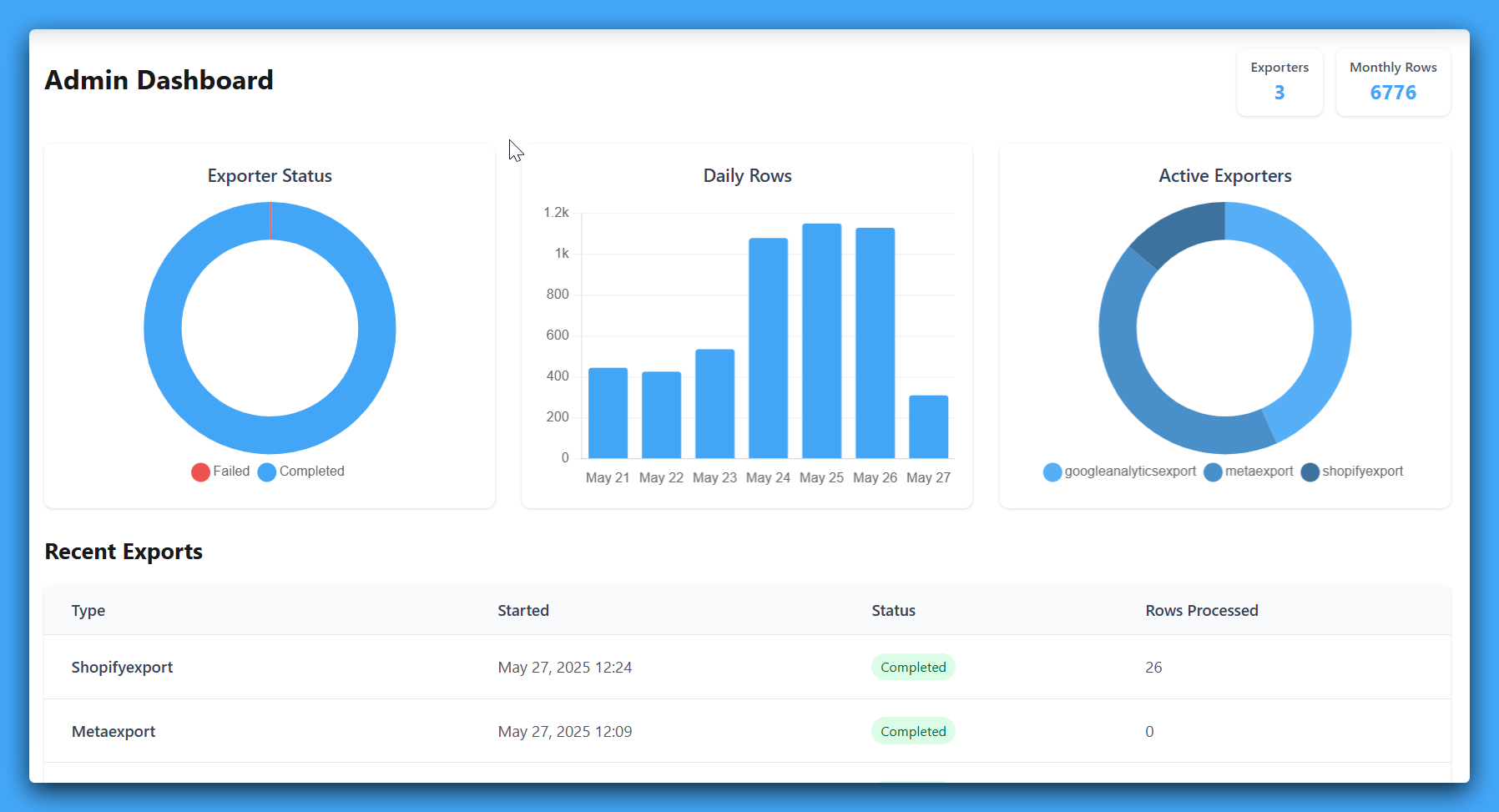
Connect, choose columns, schedule refreshes
SyncRange connects Microsoft Advertising (Bing Ads) to Microsoft Excel workbooks stored in OneDrive after you link your Microsoft account. Each export tab maps to a worksheet in the file you choose, with scheduled refreshes and append-or-replace behavior per tab.
Excel is a natural fit when your finance or ops team already standardizes on Microsoft 365. You get familiar formulas, pivot tables, and Power Query on data that stays current without repeating manual exports from each platform.
Sync your Microsoft Advertising (Bing Ads) data into Excel workbooks stored in OneDrive. Each export tab maps to a worksheet in your file, with scheduled refreshes so your team always has up-to-date data in the spreadsheet tool they already use.
What we can export, and how it lands
Each row is a field you can include or omit in the app before export. Column headers match the labels below; SyncRange writes them as the first row in your destination (worksheets in Google Sheets or Excel, or BigQuery columns) when you choose Microsoft Excel.
Microsoft Advertising (Bing) export tab using report type 'campaign'. Dimensions depend on the report; metrics are selected per tab from the shared metric library.
| Columns |
|---|
| Date |
| Device |
| Device OS |
| Network |
| Account ID |
| Account Name |
| Campaign ID |
| Campaign Name |
| Campaign Status |
| Campaign Type |
Microsoft Advertising (Bing) export tab using report type 'ad_group'. Dimensions depend on the report; metrics are selected per tab from the shared metric library.
| Columns |
|---|
| Date |
| Device |
| Device OS |
| Network |
| Account ID |
| Account Name |
| Campaign ID |
| Campaign Name |
| Ad Group ID |
| Ad Group Name |
| Ad Group Status |
Microsoft Advertising (Bing) export tab using report type 'keyword'. Dimensions depend on the report; metrics are selected per tab from the shared metric library.
| Columns |
|---|
| Date |
| Device |
| Device OS |
| Network |
| Campaign ID |
| Campaign Name |
| Ad Group ID |
| Ad Group Name |
| Keyword ID |
| Keyword |
| Keyword Status |
| Bid Match Type |
| Delivered Match Type |
Microsoft Advertising (Bing) export tab using report type 'ad'. Dimensions depend on the report; metrics are selected per tab from the shared metric library.
| Columns |
|---|
| Date |
| Device |
| Device OS |
| Network |
| Campaign ID |
| Campaign Name |
| Ad Group ID |
| Ad Group Name |
| Ad ID |
| Ad Title |
| Ad Type |
| Ad Status |
| Final URL |
| Display URL |
Microsoft Advertising (Bing) export tab using report type 'search_query'. Dimensions depend on the report; metrics are selected per tab from the shared metric library.
| Columns |
|---|
| Date |
| Device |
| Device OS |
| Network |
| Campaign ID |
| Campaign Name |
| Ad Group ID |
| Ad Group Name |
| Search Query |
| Keyword |
| Keyword ID |
| Keyword Status |
Microsoft Advertising (Bing) export tab using report type 'geographic'. Dimensions depend on the report; metrics are selected per tab from the shared metric library.
| Columns |
|---|
| Date |
| Device |
| Device OS |
| Network |
| Country |
| State |
| Metro Area |
| City |
| County |
| Postal Code |
| Neighborhood |
Microsoft Advertising (Bing) export tab using report type 'product_dimension'. Dimensions depend on the report; metrics are selected per tab from the shared metric library.
| Columns |
|---|
| Date |
| Device |
| Device OS |
| Network |
| Product ID |
| Product Title |
| Condition |
| Brand |
| Product Type (Level 1) |
| Product Type (Level 2) |
| Product Type (Level 3) |
| Product Category (Level 1) |
| Product Category (Level 2) |
| Custom Label 0 |
| Custom Label 1 |
| Custom Label 2 |
Metrics available to add to export tabs (subject to compatibility with the dimensions you choose).
| Columns |
|---|
| Impressions |
| Clicks |
| Spend |
| Conversions |
| Revenue |
| CTR |
| Average CPC |
| Average CPM |
| Average Position |
| Conversion Rate |
| Cost per Conversion |
| Return on Ad Spend |
| Revenue per Conversion |
| All Conversions |
| All Revenue |
| All Conversion Rate |
| All Cost per Conversion |
| All Return on Ad Spend |
| All Revenue per Conversion |
| View-Through Conversions |
| View-Through Revenue |
| Date Exported |
Social proof
See how teams export clean ecommerce and marketing data to Google Sheets, Microsoft Excel, or BigQuery without manual work.

Large Online Retailer
We manage high-volume ecommerce data across multiple channels and needed clean exports into BigQuery without custom engineering overhead. SyncRange gave us reliable scheduled pipelines and immediate visibility by brand.

Multi-brand Shopify Plus Operator
We run multiple Shopify stores and needed brand-level exports into BigQuery without custom pipeline maintenance. SyncRange gave us reliable scheduled exports and removed hours of manual QA.

Shopify Store Founder
We were manually updating Google Sheets every morning with Shopify and ad data. It was slow and error-prone. Now everything updates automatically, and our daily profitability tracker is always accurate.

Shopify Store Founder
I almost hired developers to build custom Shopify-to-Sheets exports. Quotes were expensive and came with ongoing maintenance. SyncRange was a fraction of the cost and worked immediately without a long build project.
Connect your account, then follow the configuration guide for your first export.
Other data sources you can sync to Microsoft Excel