

Move Shopify orders, line items, products, and customers into BigQuery for SQL analytics, backups, and joins with ad platforms. SyncRange loads tables on a schedule so your data integration to BigQuery stays current.
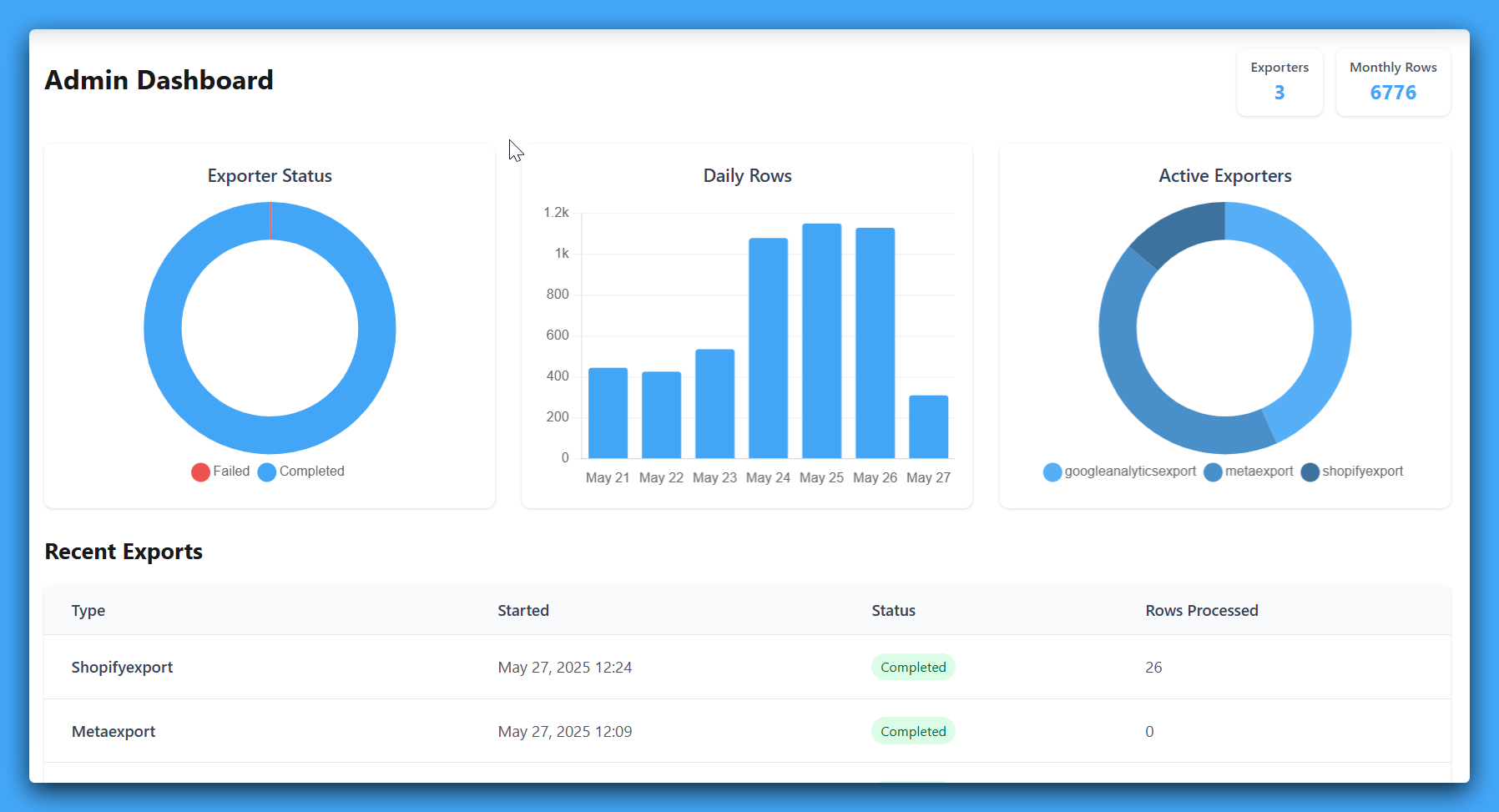
Connect, choose columns, schedule refreshes
When spreadsheets are not enough, SyncRange loads Shopify into Google BigQuery. Tables inherit the column layout from your export tabs, so SQL models and dbt projects can depend on predictable names.
BigQuery becomes the place to join marketing, ecommerce, and finance sources, run large historical queries, and power BI tools that expect a warehouse instead of a sheet.
Send your Shopify data directly to Google BigQuery for enterprise-grade data warehousing. Build a central analytics repository, run SQL across massive datasets, and power large-scale reporting without managing pipelines or writing ETL code.
What we can export, and how it lands
Each row is a field you can include or omit in the app before export. Column headers match the labels below; SyncRange writes them as the first row in your destination (worksheets in Google Sheets or Excel, or BigQuery columns) when you choose BigQuery.
Export product and variant information
| Columns |
|---|
| Product ID |
| Product Title |
| Variant ID |
| Variant Title |
| SKU |
| Barcode |
| Product Type |
| Vendor |
| Product Tags |
| Description |
| Price |
| Compare at Price |
| Weight |
| Weight Unit |
| Inventory Quantity |
| Inventory Policy |
| Requires Shipping |
| Taxable |
| Status |
| Published |
| Published Date |
| Created Date |
| Updated Date |
| Handle |
| Image URL |
| Collections |
| Options |
| Date Exported |
Export order and sales information
| Columns |
|---|
| Order ID |
| Order Number |
| Order Date |
| Order Date Time |
| Customer ID |
| Customer Name |
| Customer Email |
| Customer Phone |
| Customer Address Line 1 |
| Customer Address Line 2 |
| Customer City |
| Customer Province/State |
| Customer Country |
| Customer Country Code |
| Customer Zip/Postal Code |
| Fulfillment Status |
| Financial Status |
| Currency |
| Subtotal |
| Shipping |
| Taxes |
| Discounts |
| Total Price |
| Refunded Amount |
| Quantity Sold |
| Discount Codes Applied |
| Discount Code IDs |
| Manual Discount Codes |
| Automatic Discount Titles |
| Discount Codes Applied (JSON) |
| Discount Code IDs (JSON) |
| Order Source |
| Order Tags |
| Order Note |
| Order Note Attributes |
| Date Exported |
Export store information
| Columns |
|---|
| Store ID |
| Store Name |
| Store Email |
| Store Domain |
| Primary Domain |
| Plan Name |
| Shopify Plus |
| Currency |
| Country |
| City |
| Zip/Postal Code |
| Contact Email |
| Customer Accounts |
| Taxes Included |
| Tax Shipping |
| Has Gift Cards |
| Has International Domains |
| Date Exported |
Export inventory cost and value information
| Columns |
|---|
| Inventory Item ID |
| Variant ID |
| Product ID |
| Product Title |
| Variant Title |
| SKU |
| Quantity |
| Cost per Item |
| Currency |
| Total Value |
| Tracked |
| Country of Origin |
| Province of Origin |
| HS Code |
| Product Type |
| Vendor |
| Date Exported |
Export inventory data with location information
| Columns |
|---|
| Inventory Item ID |
| SKU |
| Tracked |
| Variant ID |
| Variant Title |
| Variant Price |
| Product ID |
| Product Title |
| Product Type |
| Vendor |
| Location ID |
| Location Name |
| Quantity |
| Date Exported |
Export detailed line item information from orders
| Columns |
|---|
| Line Item ID |
| Order ID |
| Order Number |
| Order Date |
| Order Date Time |
| Line Item Name |
| Line Item Type |
| Quantity |
| Unit Price |
| Currency |
| Total Price |
| Refunded Amount |
| Discount Amount |
| Discount Codes Applied |
| Discount Code IDs |
| Manual Discount Codes |
| Automatic Discount Titles |
| Discount Codes Applied (JSON) |
| Discount Code IDs (JSON) |
| Discounted Price |
| Tax Amount |
| Tax Rate |
| Tax Name |
| SKU |
| Variant ID |
| Variant Title |
| Product ID |
| Product Title |
| Product Type |
| Vendor |
| Fulfillment Date |
| Fulfillment Status |
| Is Gift Card |
| Refundable Quantity |
| Date Exported |
Export customer information
| Columns |
|---|
| Customer ID |
| First Name |
| Last Name |
| Notes |
| Account Created Datetime |
| Account Created Date |
| Account Age in Days |
| Last Order Created Datetime |
| Last Order Created Date |
| Address Line 1 |
| Address Line 2 |
| City |
| Province/State |
| Country |
| Country Code |
| Zip/Postal Code |
| Customer Segment IDs |
| Customer Segment Names |
| Customer Segment IDs (JSON) |
| Customer Segment Names (JSON) |
| Date Exported |
Export detailed sales metrics and financial data
| Columns |
|---|
| Order ID |
| Order Number |
| Order Date |
| Customer Name |
| Gross Sales |
| Discounts |
| Returns |
| Net Sales |
| Shipping |
| Tax |
| Duties |
| Total Sales |
| Currency |
| Payment Method |
| Fulfillment Status |
| Financial Status |
| Date Exported |
Export store locations and fulfillment centers
| Columns |
|---|
| Location ID |
| Location Name |
| Address Line 1 |
| Address Line 2 |
| City |
| Province/State |
| Zip/Postal Code |
| Country |
| Country Code |
| Phone |
| Is Active |
| Fulfills Online Orders |
| Has Active Inventory |
| Ships Inventory |
| Date Exported |
Export collection information with optional metafield columns
| Columns |
|---|
| Collection ID |
| Title |
| Handle |
| Description |
| Sort Order |
| Products Count |
| Updated At |
| Date Exported |
Export one row per customer per segment membership. Covers every segment in the store.
| Columns |
|---|
| Segment ID |
| Segment Name |
| Customer ID |
| Customer Display Name |
| First Name |
| Last Name |
| Number of Orders |
| Amount Spent |
| Amount Spent Currency |
| Date Exported |
Export discount definitions. One row per discount code; automatic discounts produce one row.
| Columns |
|---|
| Discount ID |
| Discount Type |
| Discount Title |
| Discount Summary |
| Status |
| Discount Code |
| Total Used Count |
| Code Used Count |
| Limit Total Times |
| Limit One Use Per Customer |
| Starts At |
| Ends At |
| Created At |
| Updated At |
| Discount Value Type |
| Discount Value |
| Value Currency |
| Minimum Purchase Type |
| Minimum Value |
| Eligibility Type |
| Eligibility Values |
| Eligibility Customer Segment IDs |
| Eligibility Customer Segment Names |
| Eligibility Customer Segment IDs (JSON) |
| Eligibility Customer Segment Names (JSON) |
| Combines With Order Discounts |
| Combines With Product Discounts |
| Combines With Shipping Discounts |
| Discount URL |
| Date Exported |
Per-product or per-variant revenue over the selected date range: gross sales, discounts, returns, net sales, tax, units, and order counts (from line items and refunds, streamed for large stores). Optional breakdown by variant for SKU- or size-level metrics.
| Columns |
|---|
| Product ID |
| Variant ID |
| Variant Title |
| SKU |
| Product Title |
| Product Type |
| Vendor |
| Currency |
| Gross Sales |
| Discounts |
| Returns |
| Net Sales |
| Tax |
| Total Sales |
| Units Sold |
| Orders |
| Date Exported |
Per-product refund stats over the selected date range: refunded units, refund amount, refund counts, refund rates vs sales, average refund value, and average days from order to refund (streamed for large stores).
| Columns |
|---|
| Product ID |
| Product Title |
| Product Type |
| Vendor |
| Currency |
| Units Sold |
| Gross Sales |
| Orders With Product |
| Refunded Units |
| Refund Amount |
| Refund Line Items |
| Orders Refunded |
| Net Units |
| Net Sales |
| Refund Rate (Units) |
| Refund Rate ($) |
| Avg Refund Value |
| Avg Refund Quantity |
| Avg Days to Refund |
| Date Exported |
One row per refund line item over the selected date range with return reason, restock type, and customer note (streamed for large stores).
| Columns |
|---|
| Refund Line ID |
| Order ID |
| Order Name |
| Order Date |
| Order Date Time |
| Refund Date |
| Line Item Name |
| Refunded Quantity |
| Refund Price (per unit) |
| Refund Amount |
| SKU |
| Variant ID |
| Variant Title |
| Product ID |
| Product Title |
| Product Type |
| Vendor |
| Return Reason |
| Return Reason Note |
| Customer Note |
| Restock Type |
| Restocked |
| Discount Codes Applied |
| Manual Discount Codes |
| Automatic Discount Titles |
| Discount Codes Applied (JSON) |
| Is Gift Card |
| Date Exported |
Social proof
See how teams export clean ecommerce and marketing data to Google Sheets, Microsoft Excel, or BigQuery without manual work.

Large Online Retailer
We manage high-volume ecommerce data across multiple channels and needed clean exports into BigQuery without custom engineering overhead. SyncRange gave us reliable scheduled pipelines and immediate visibility by brand.

Multi-brand Shopify Plus Operator
We run multiple Shopify stores and needed brand-level exports into BigQuery without custom pipeline maintenance. SyncRange gave us reliable scheduled exports and removed hours of manual QA.

Shopify Store Founder
We were manually updating Google Sheets every morning with Shopify and ad data. It was slow and error-prone. Now everything updates automatically, and our daily profitability tracker is always accurate.

Shopify Store Founder
I almost hired developers to build custom Shopify-to-Sheets exports. Quotes were expensive and came with ongoing maintenance. SyncRange was a fraction of the cost and worked immediately without a long build project.
Connect your account, then follow the configuration guide for your first export.
Other data sources you can sync to BigQuery